

Lewati ke konten utama

The New Gate

Chapter 61

14 views · 32 halaman
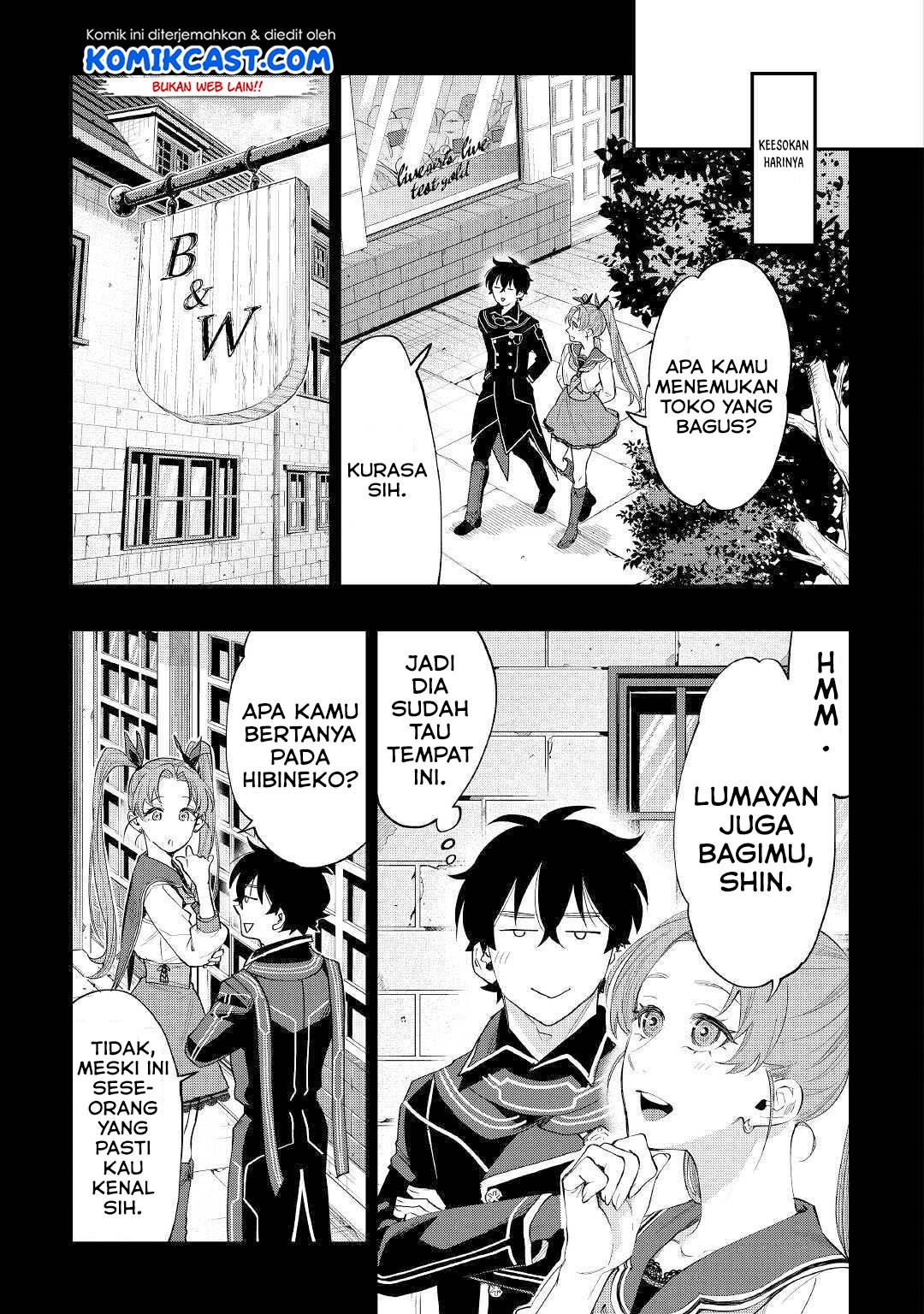
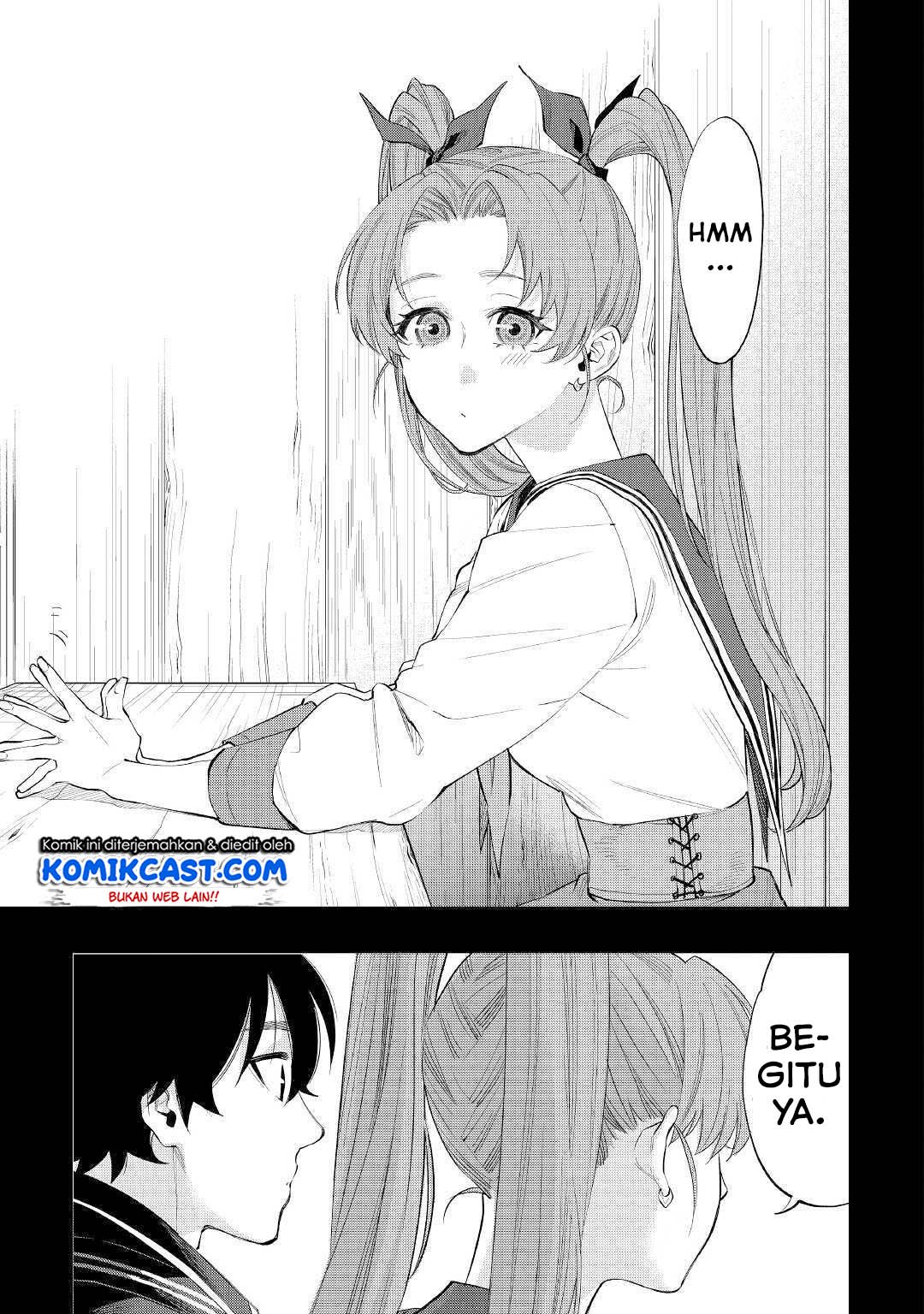
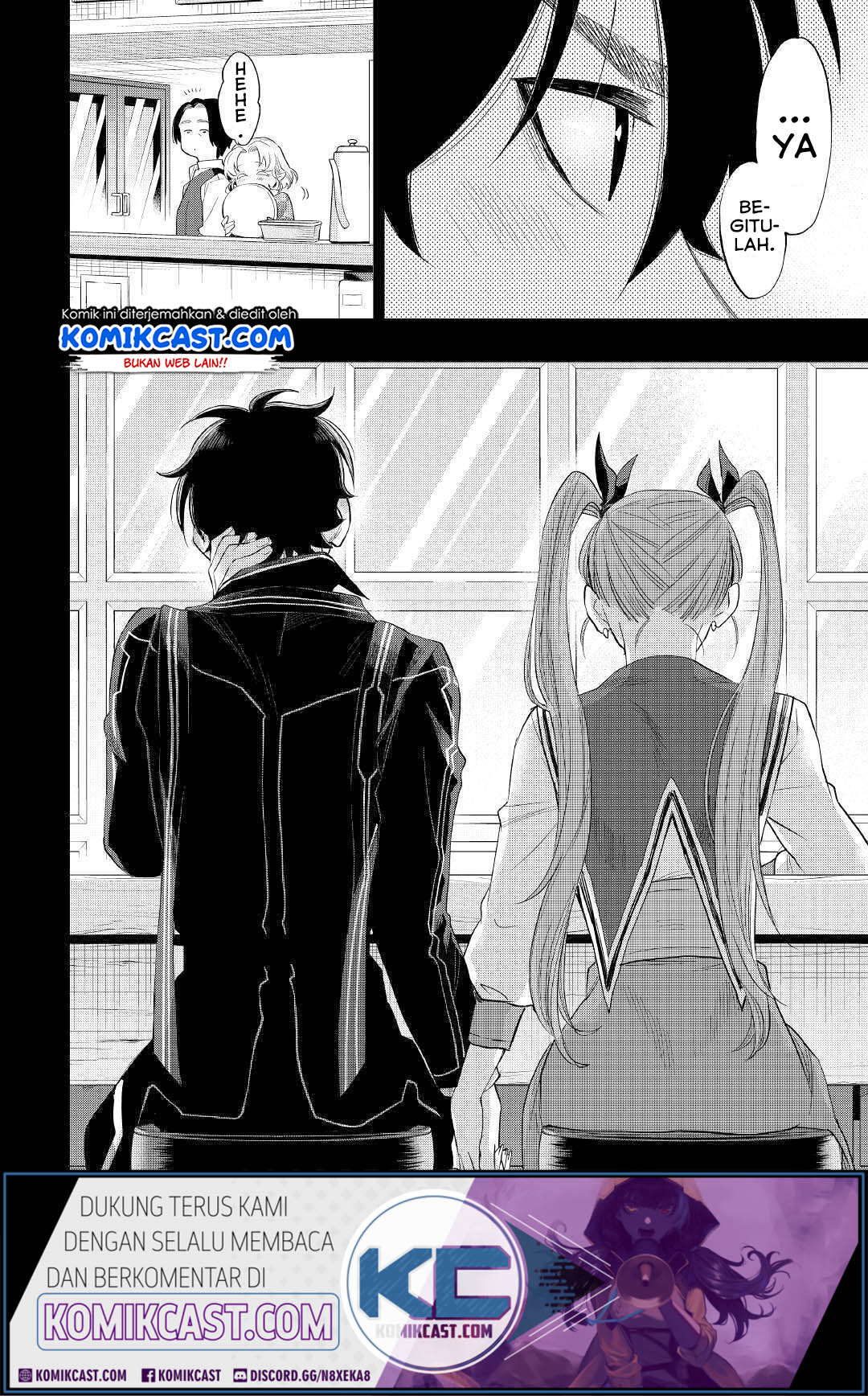
The New Gate Chapter 61 halaman 1
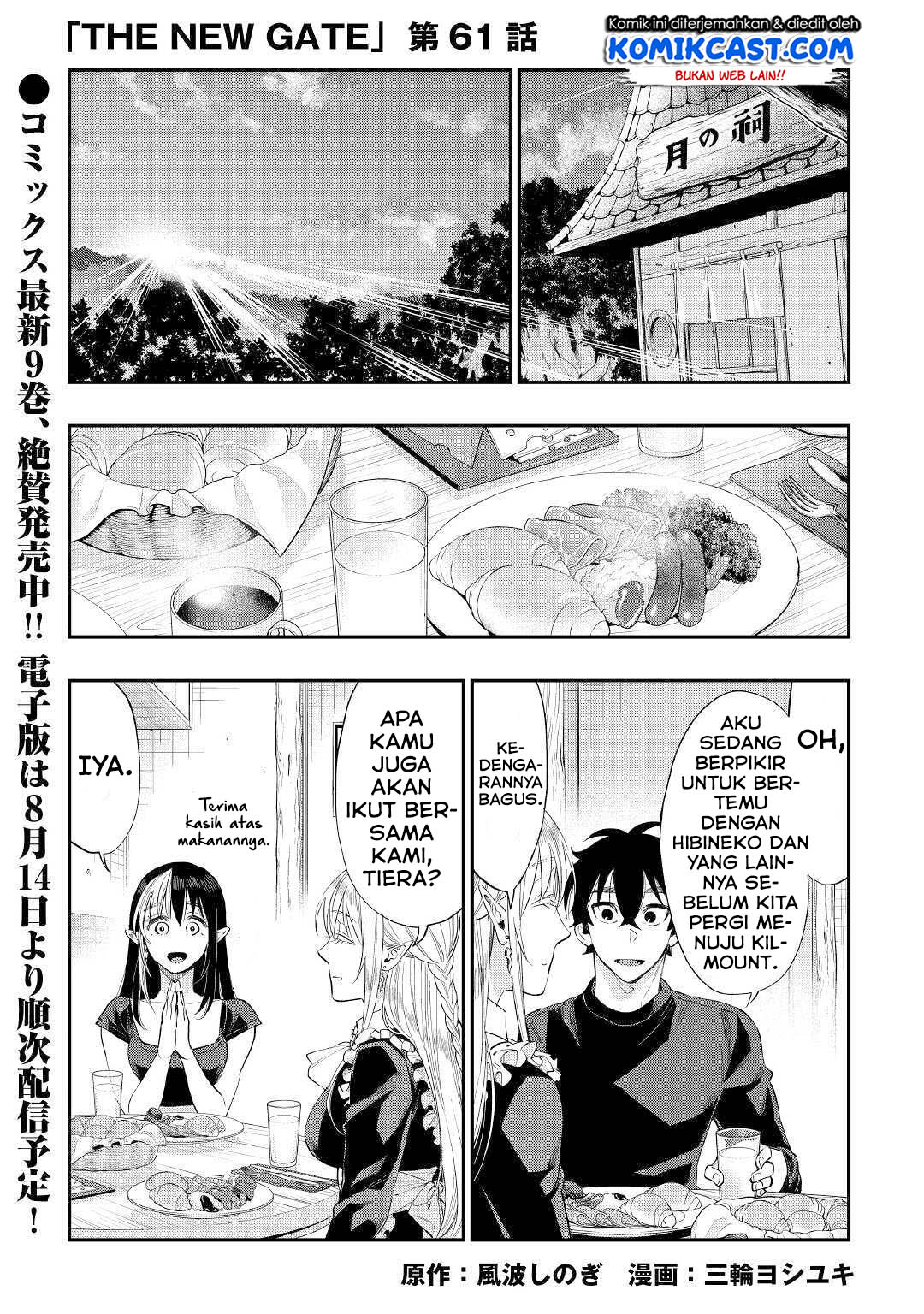
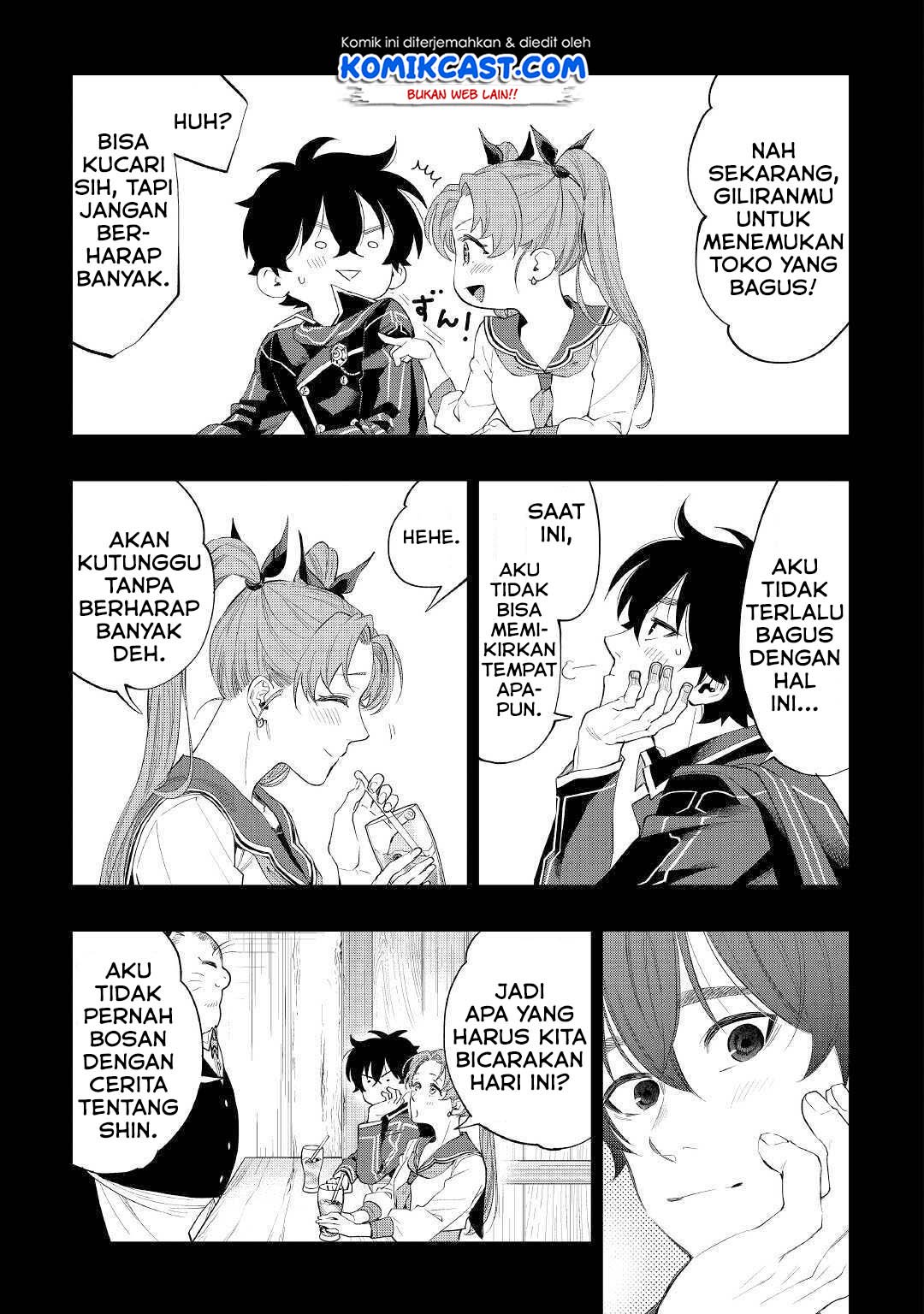
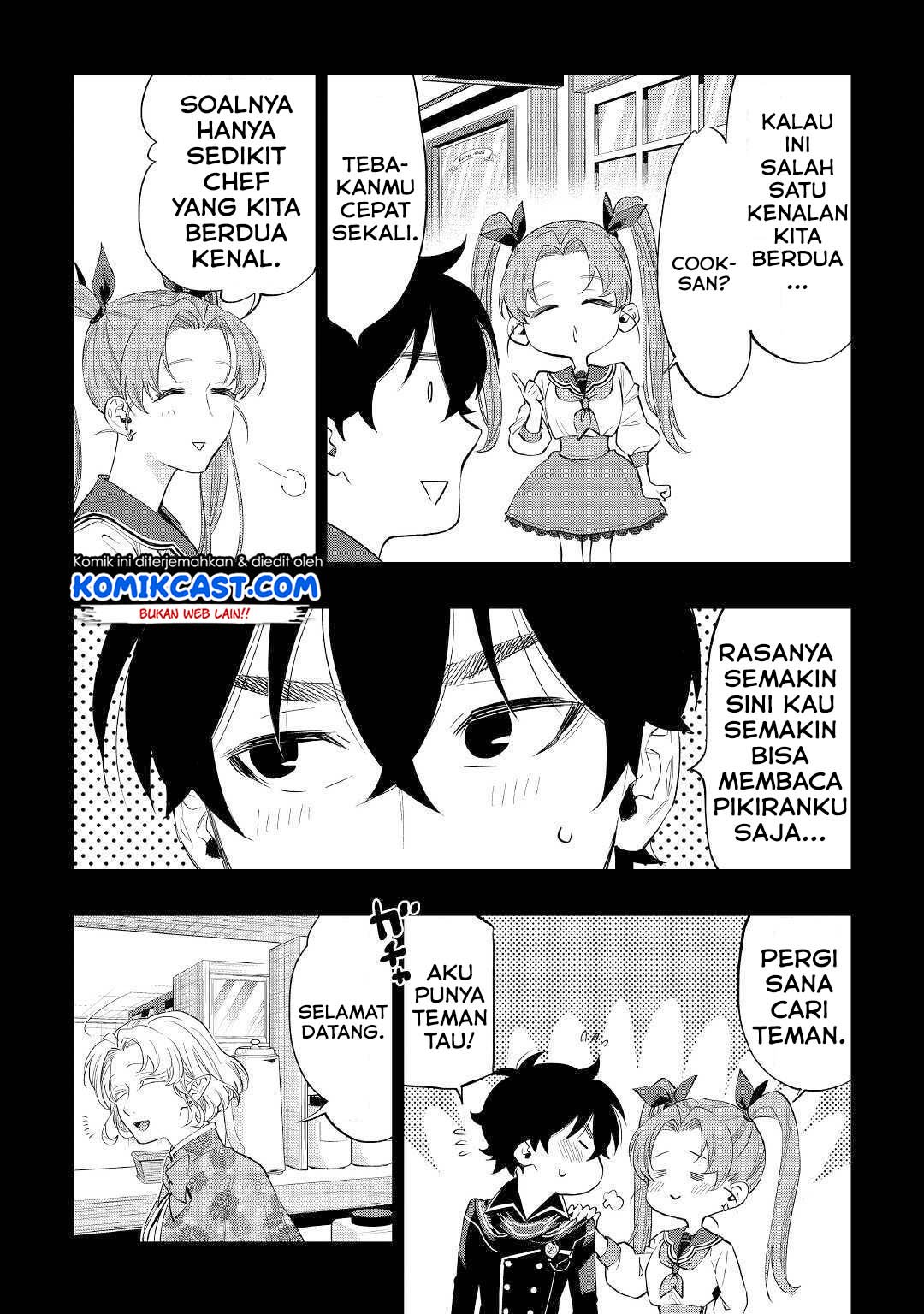
The New Gate Chapter 61 halaman 2
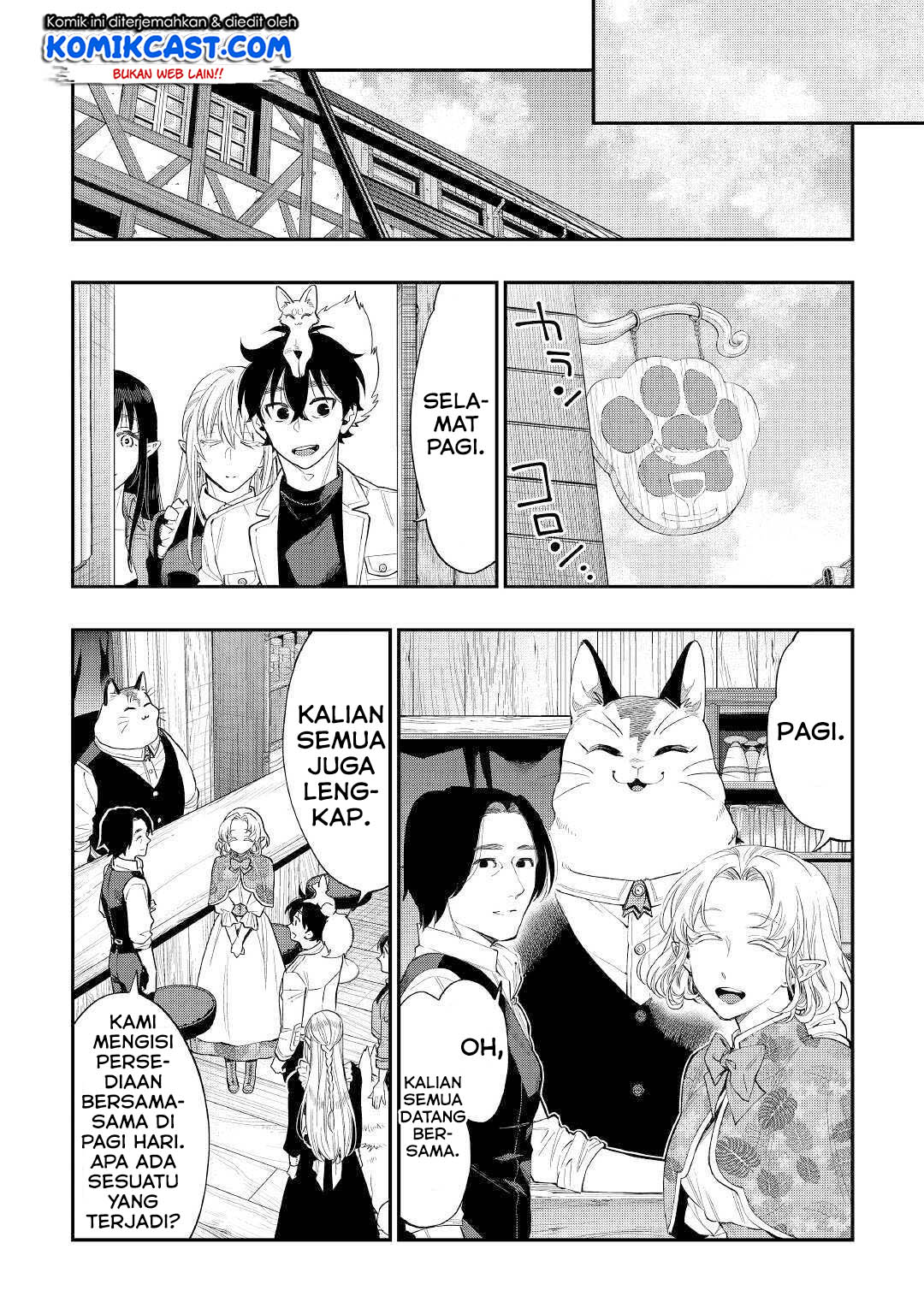
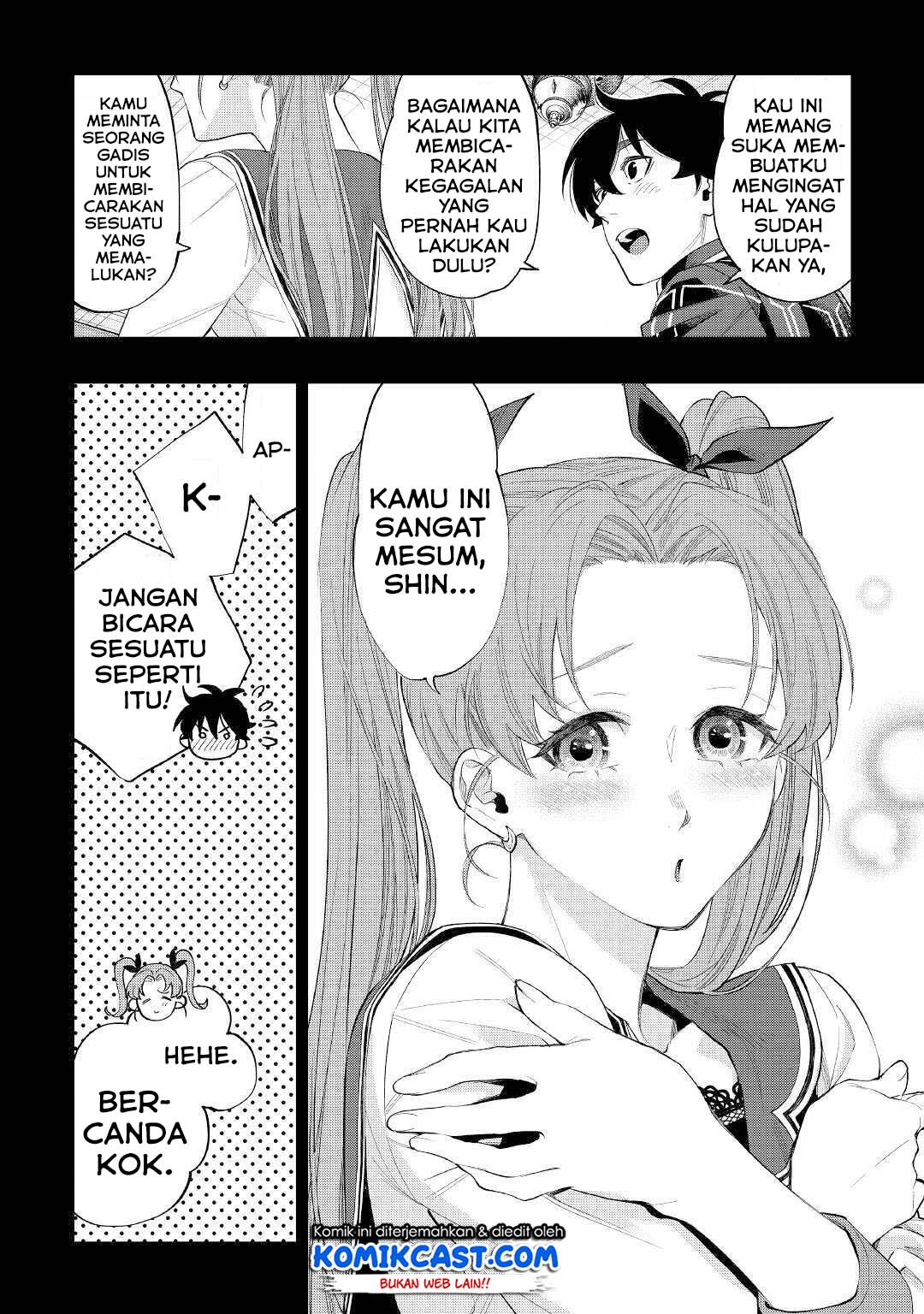
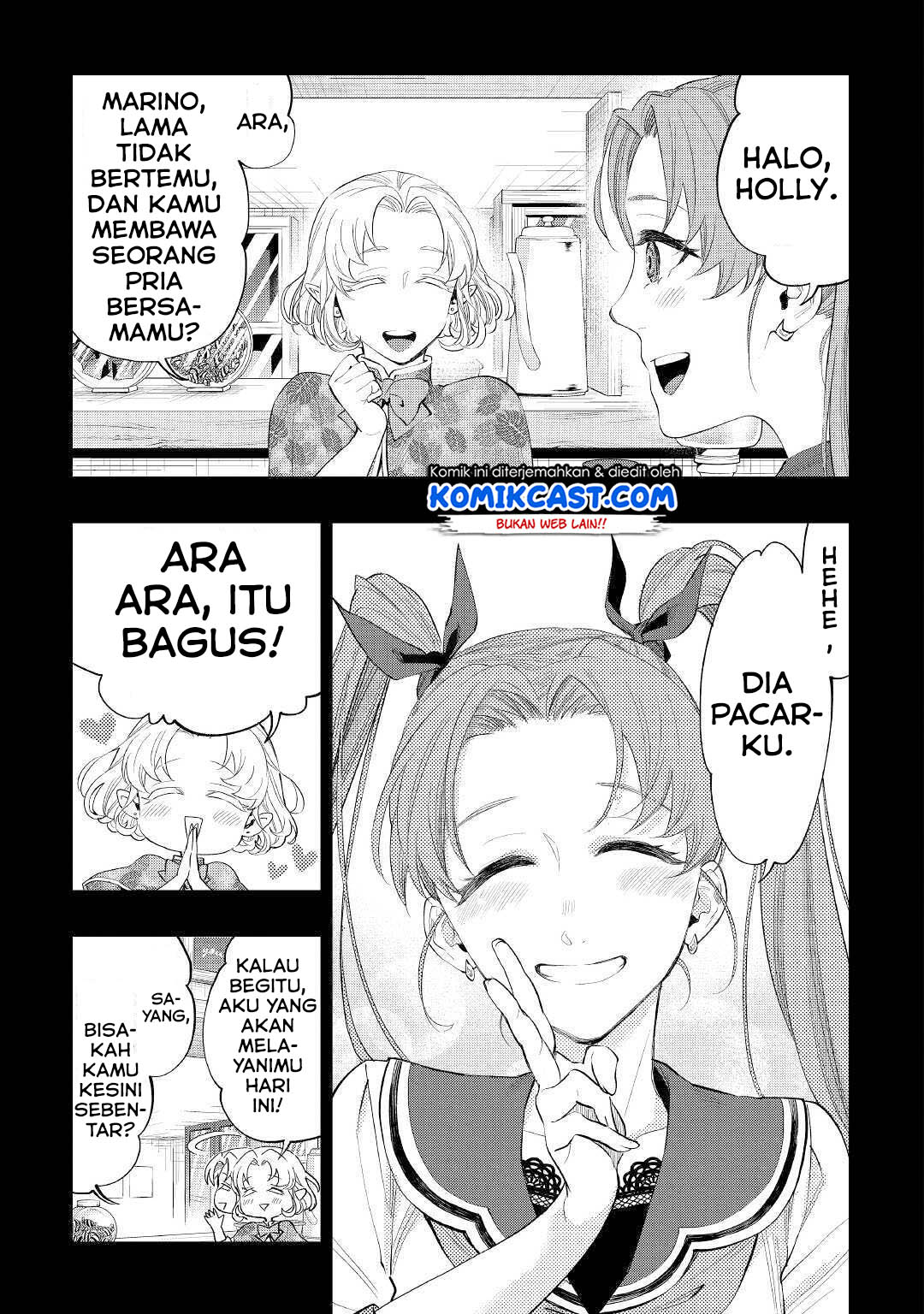
The New Gate Chapter 61 halaman 3
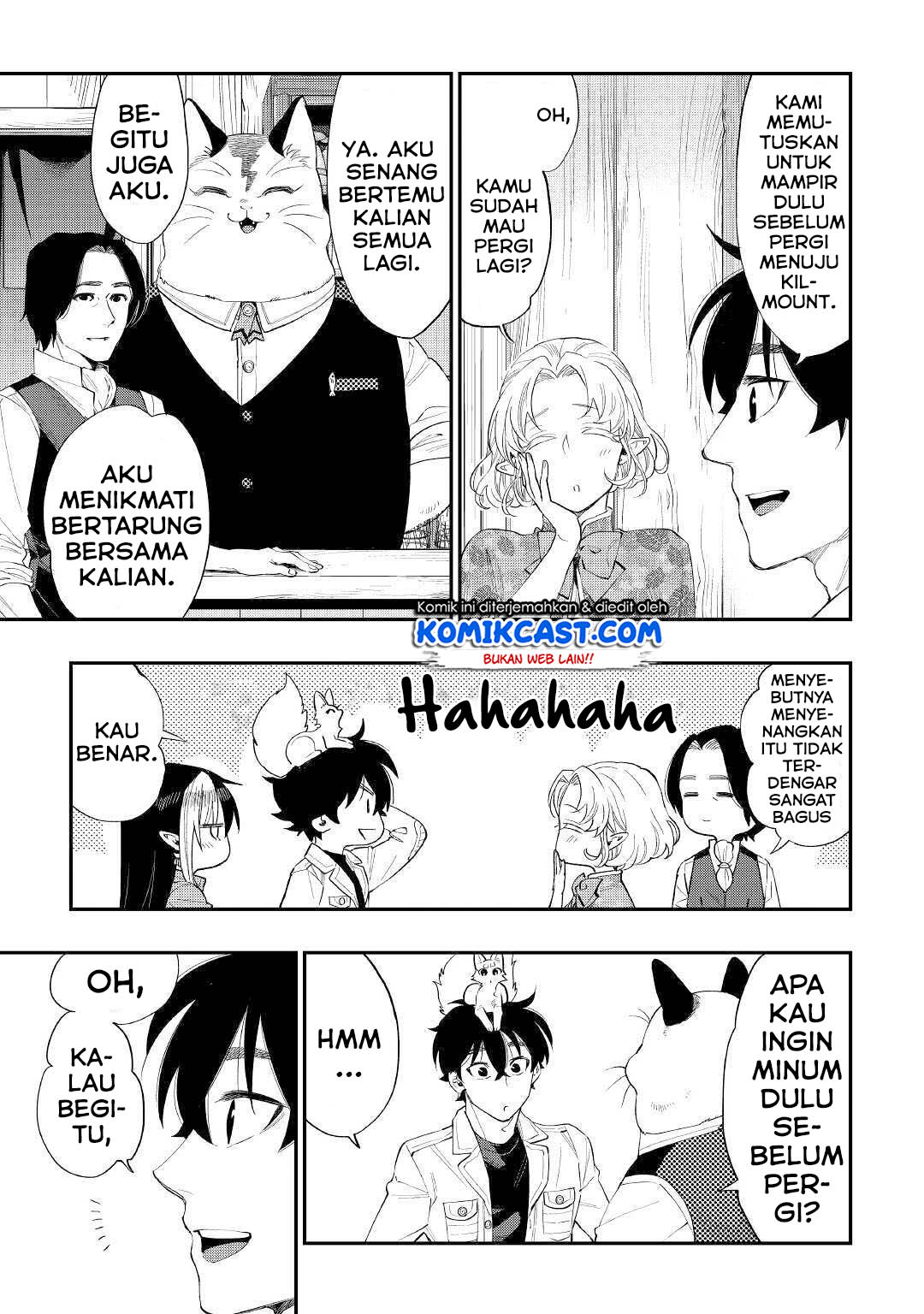
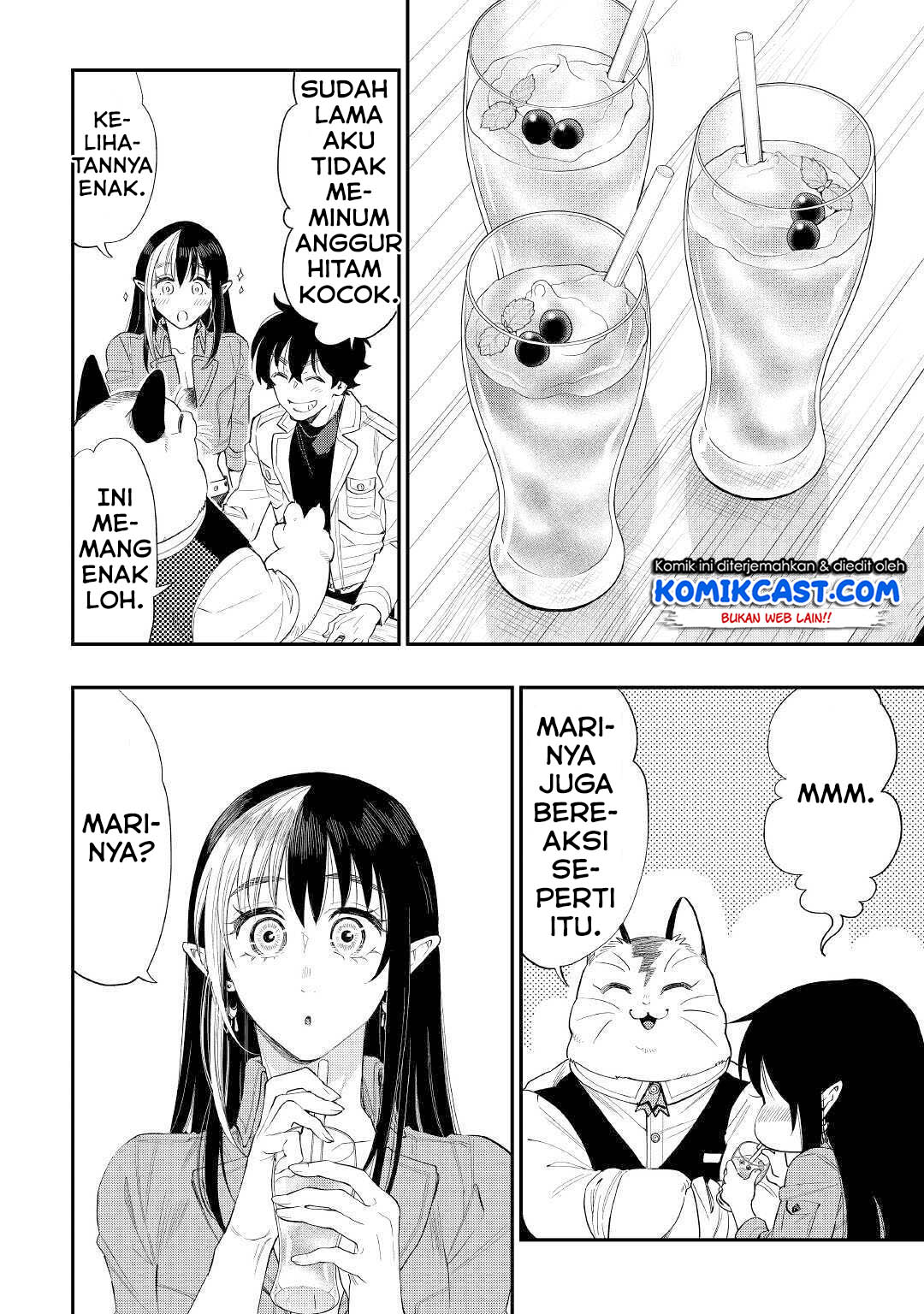
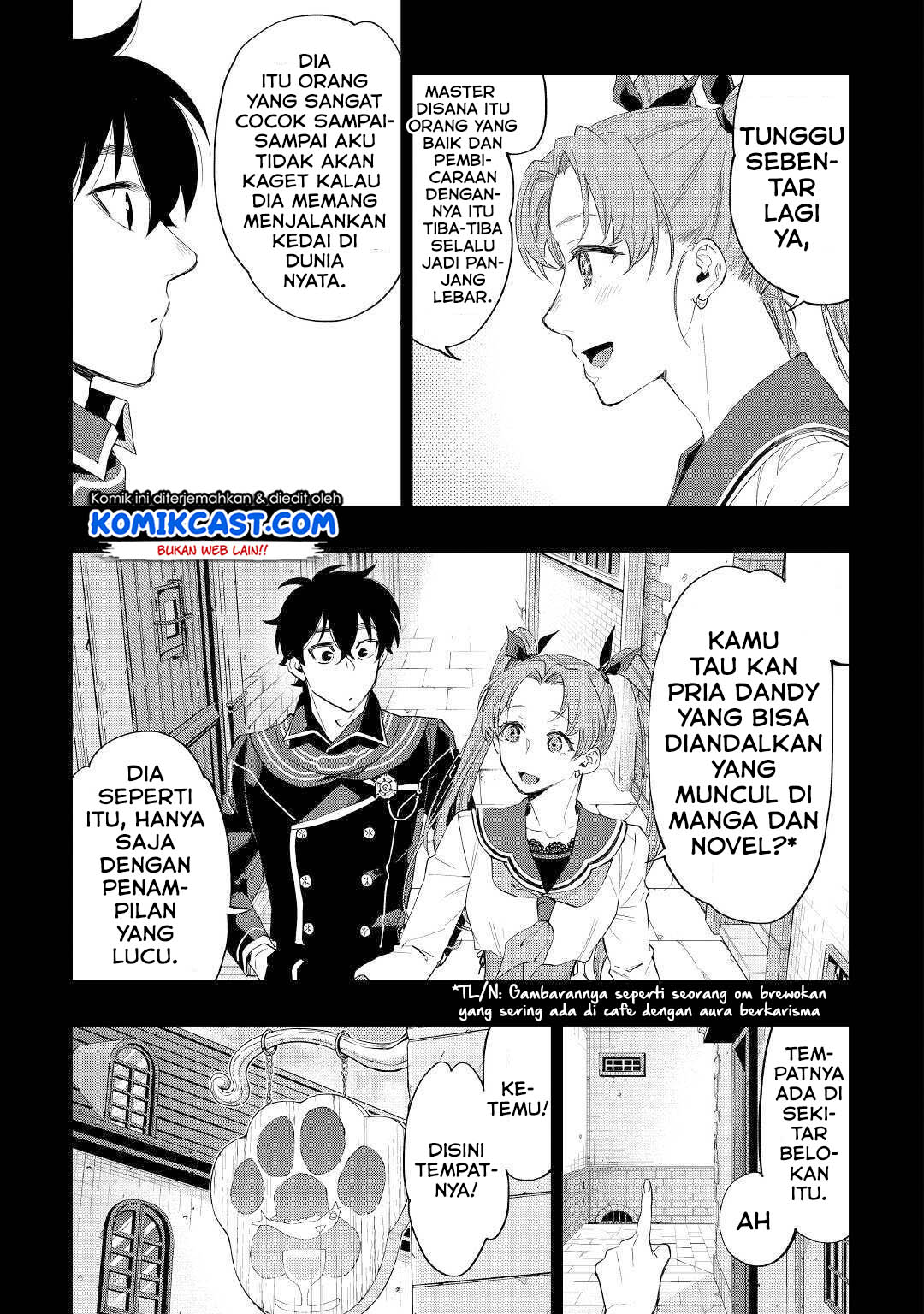
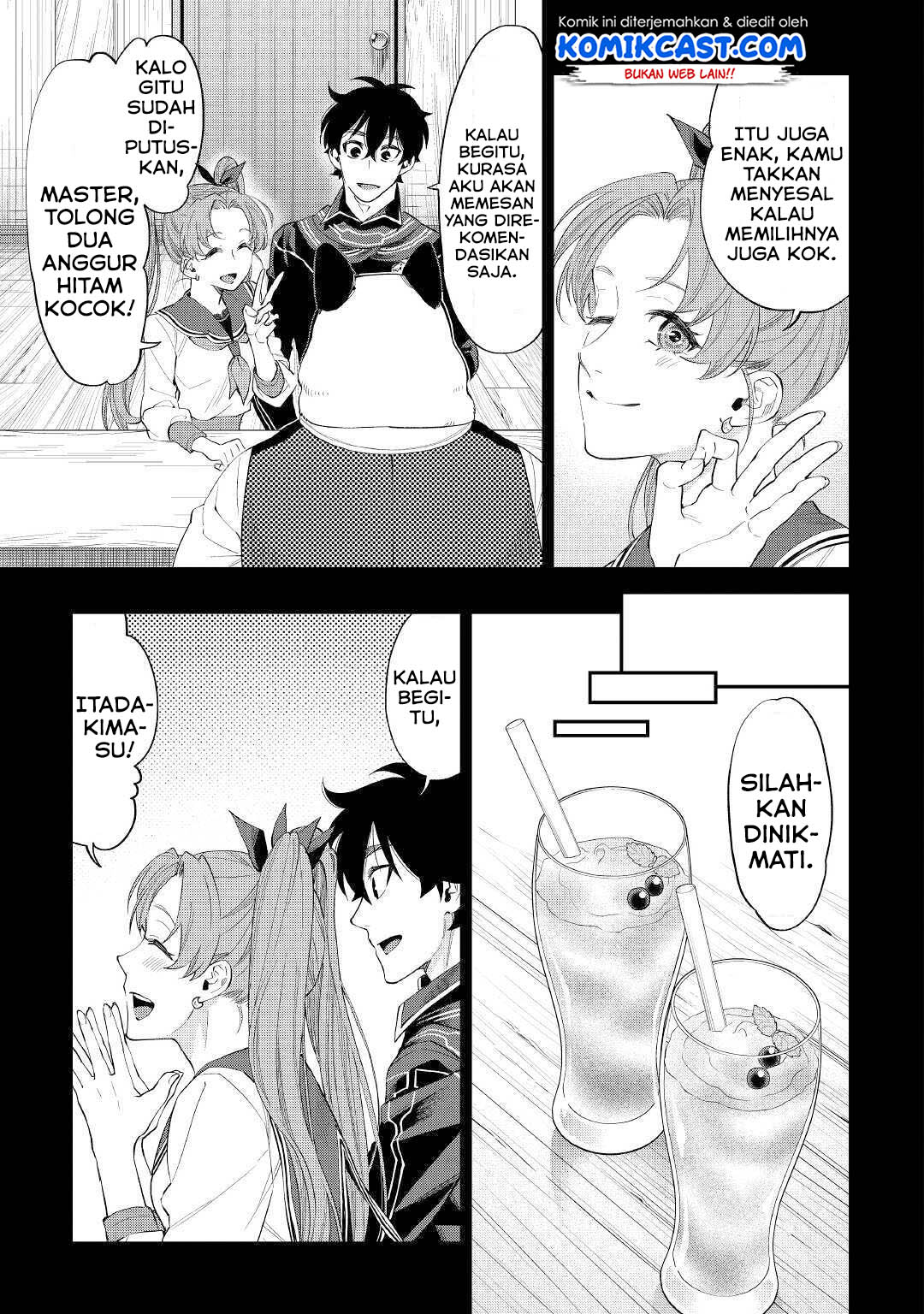
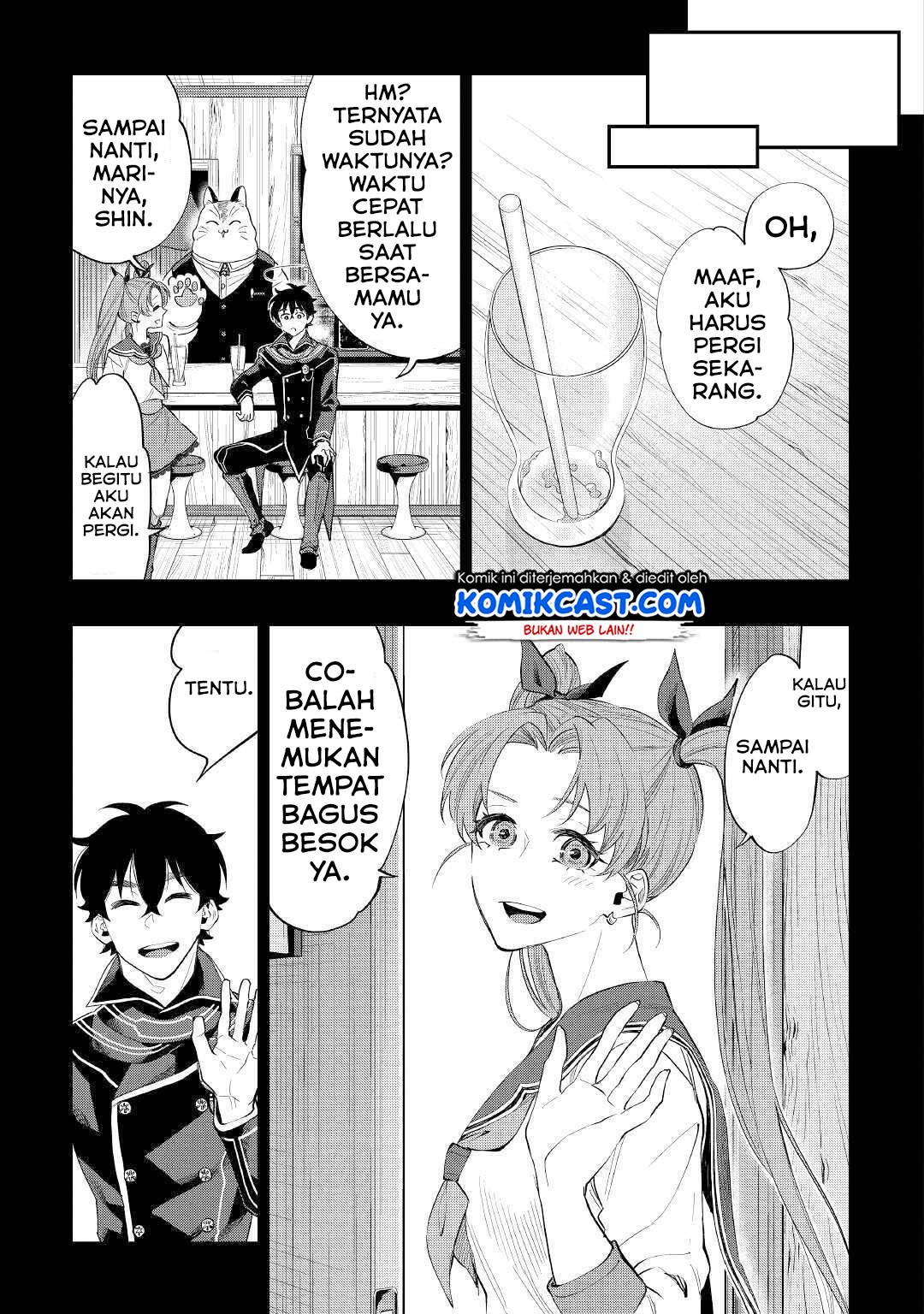
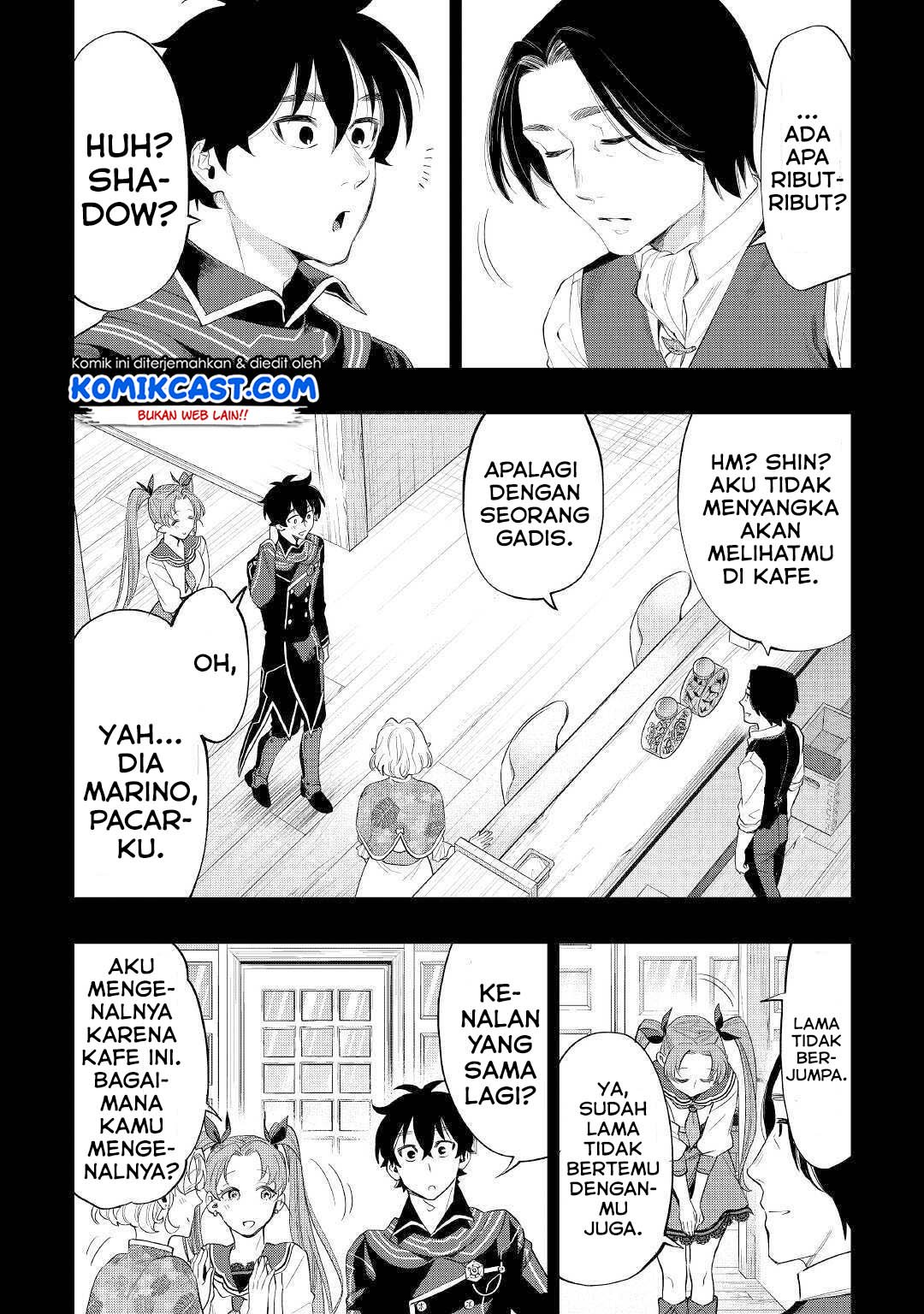
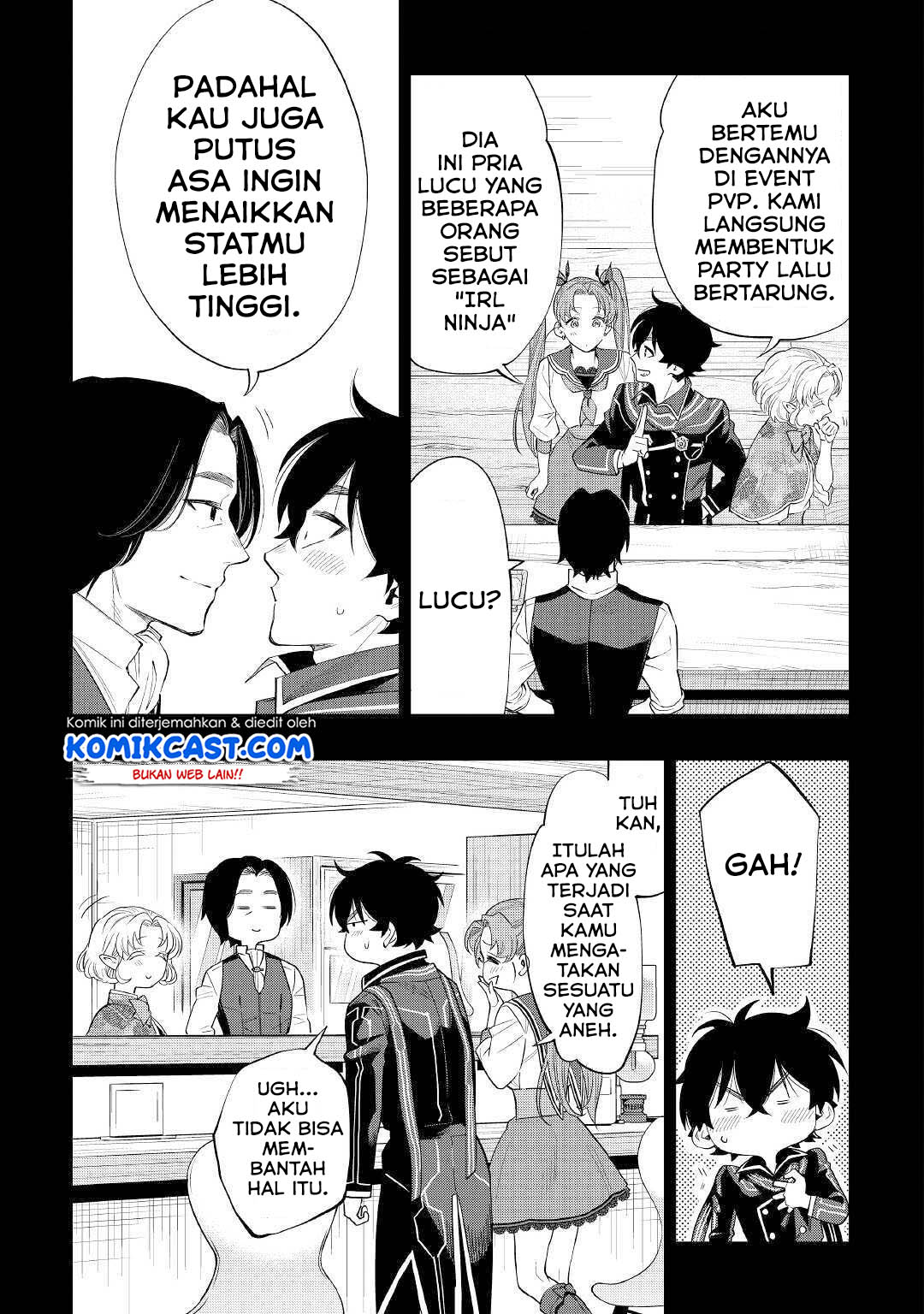
The New Gate Chapter 61 halaman 4
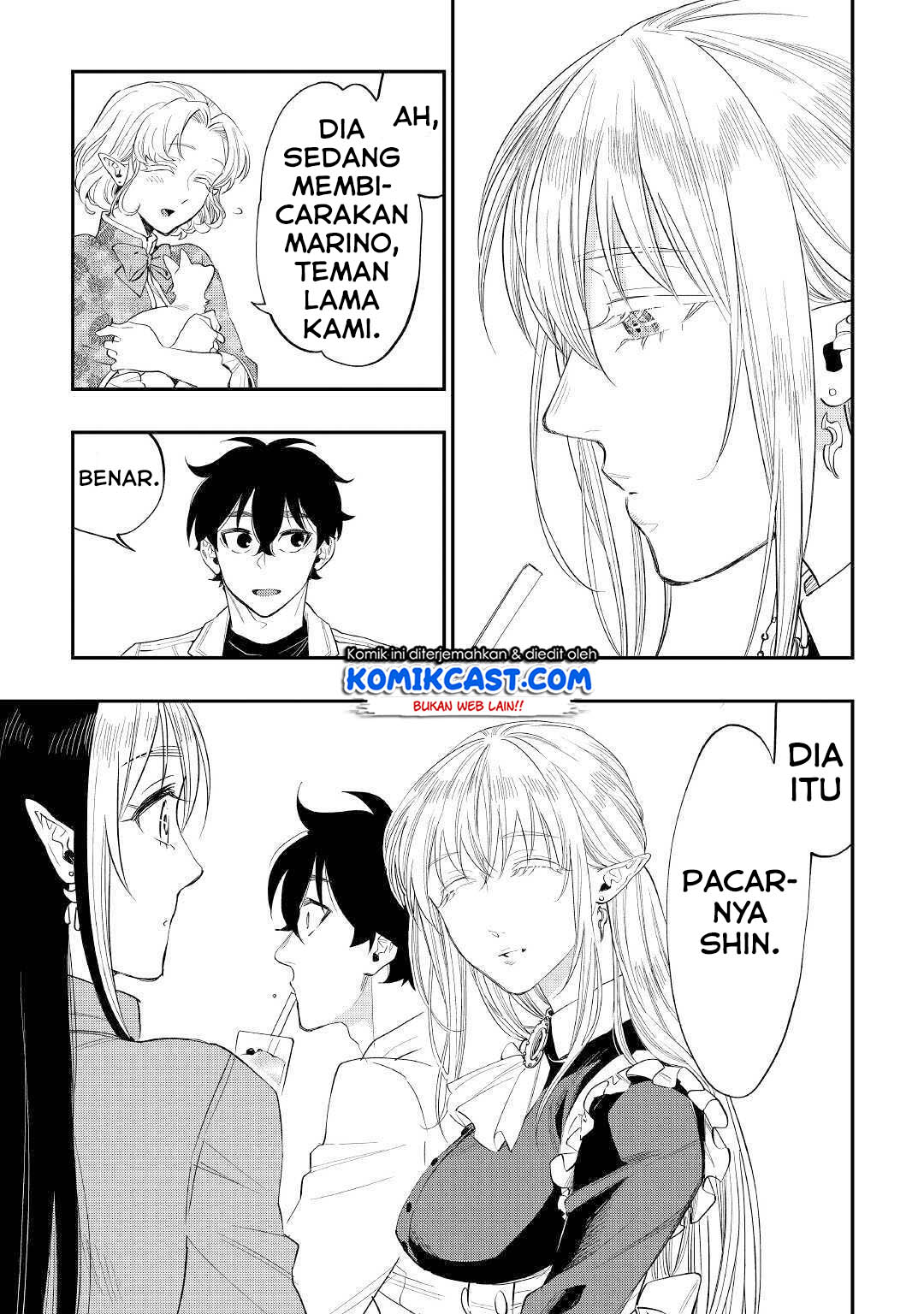
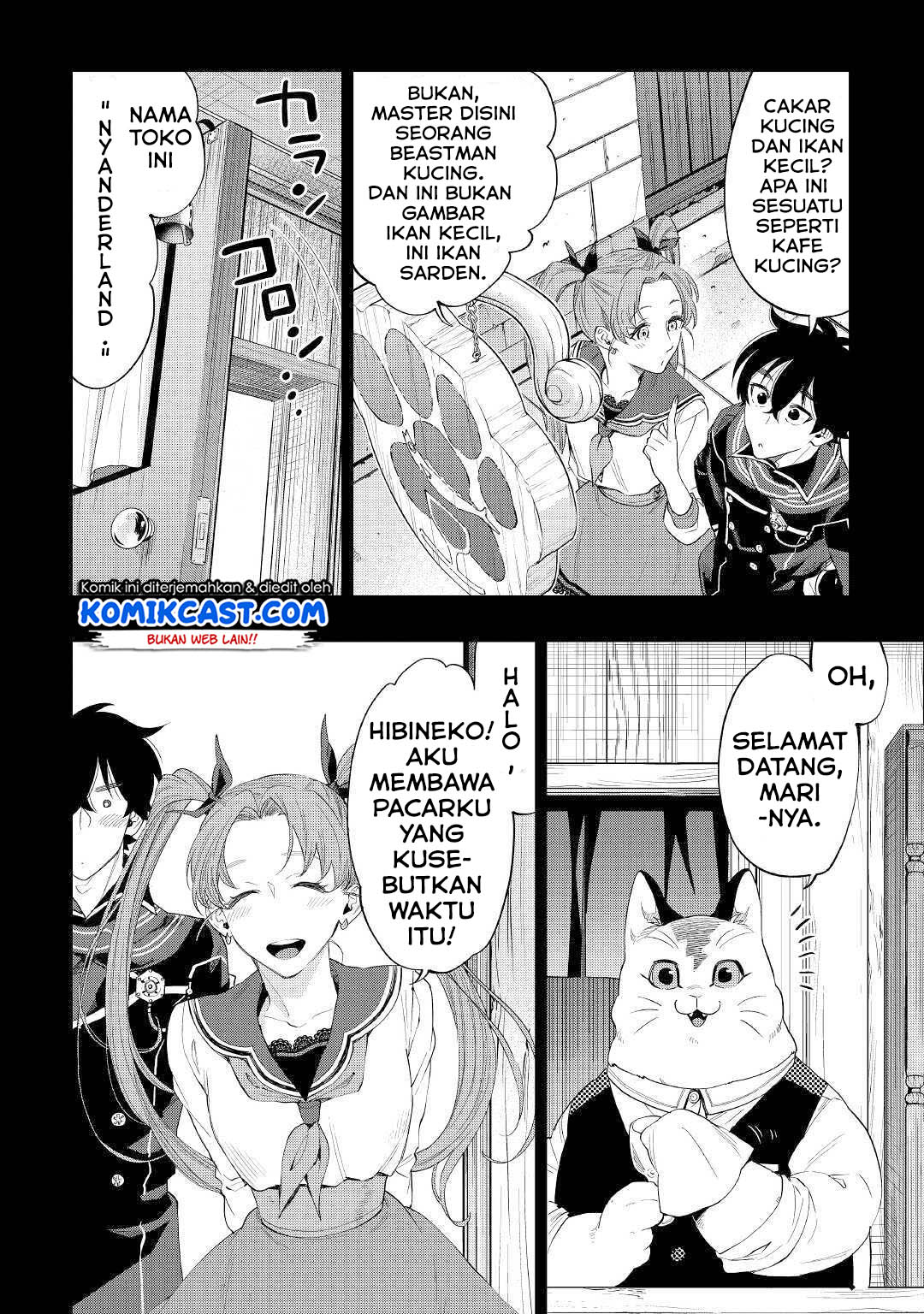
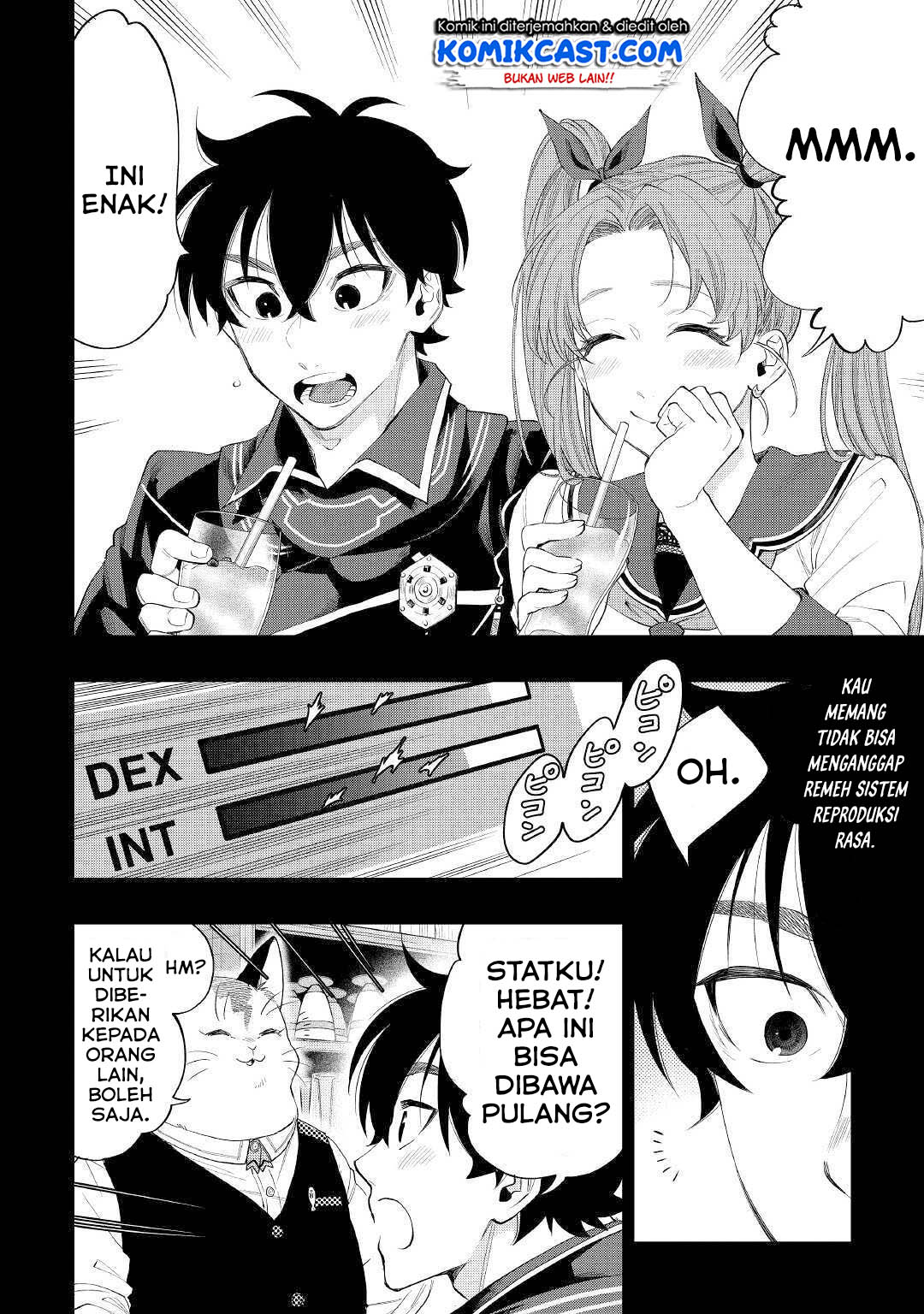
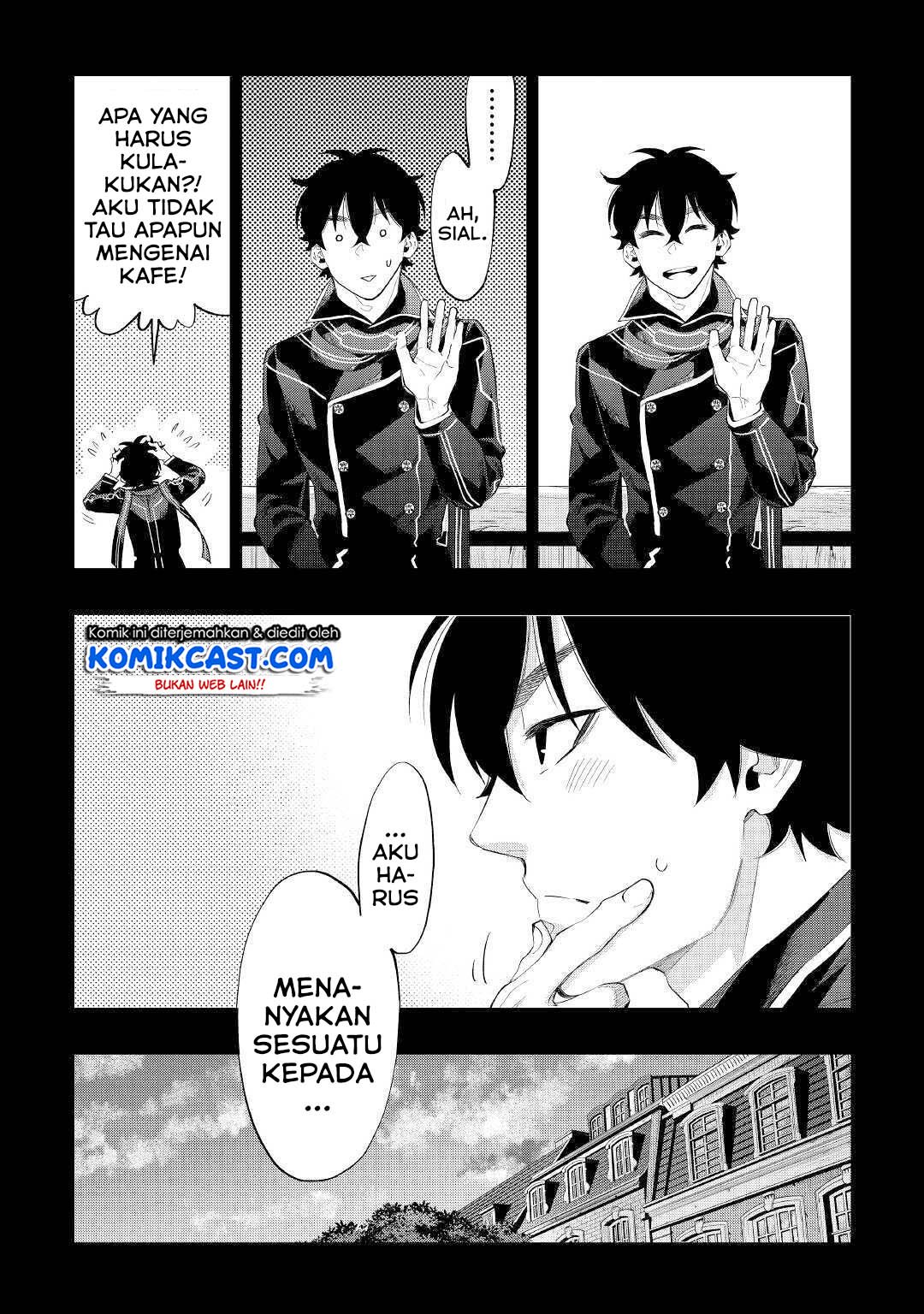
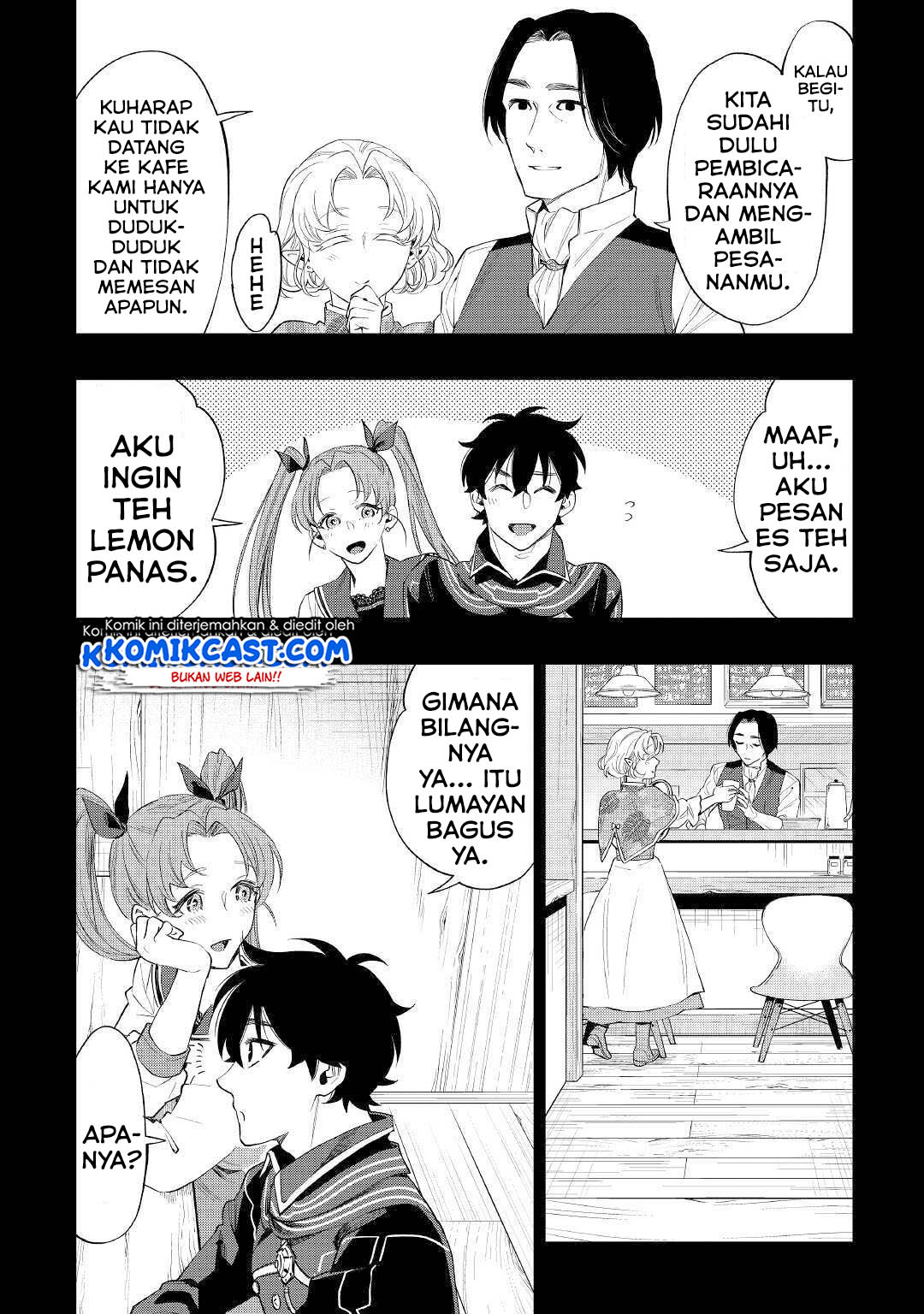
The New Gate Chapter 61 halaman 5
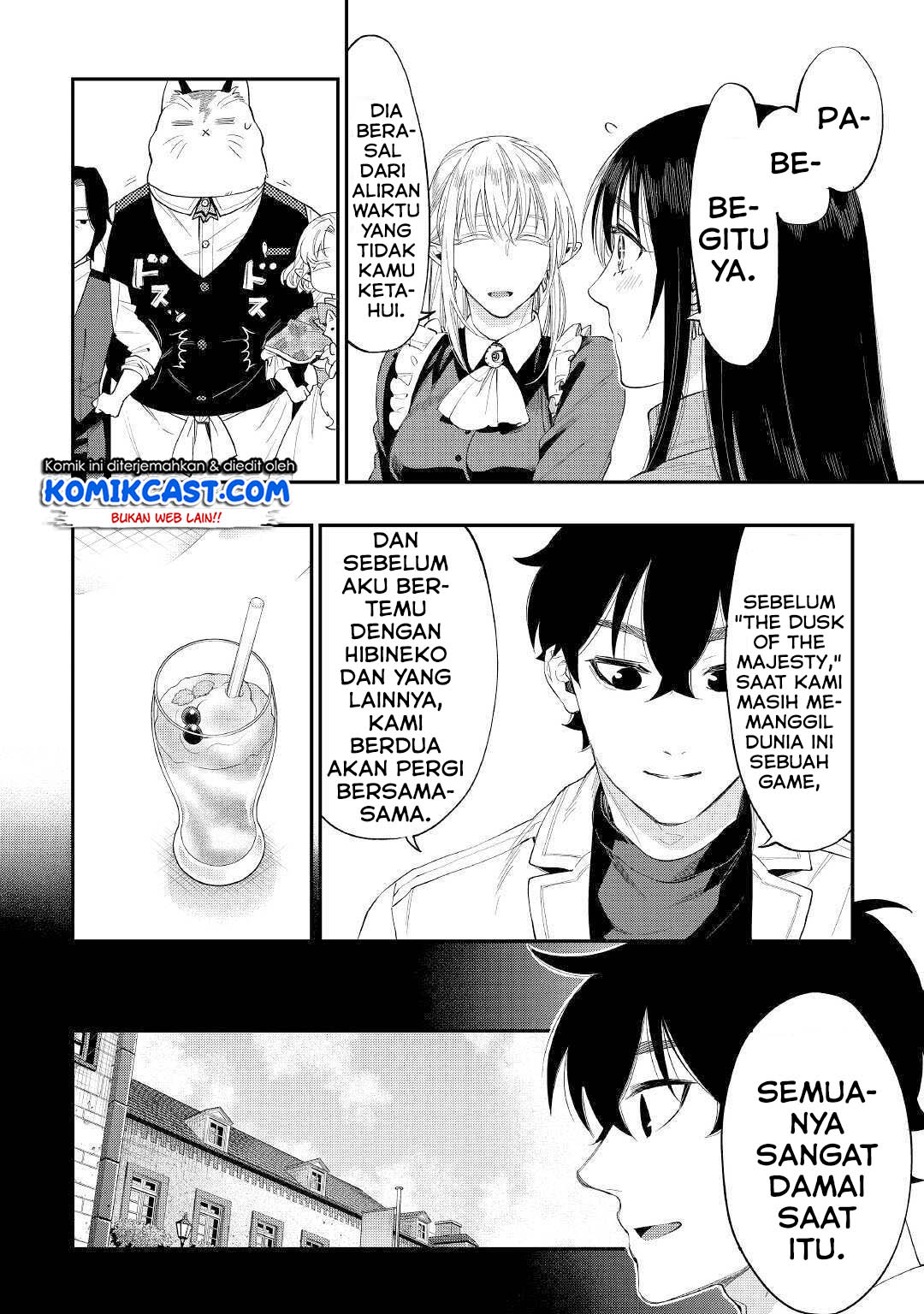
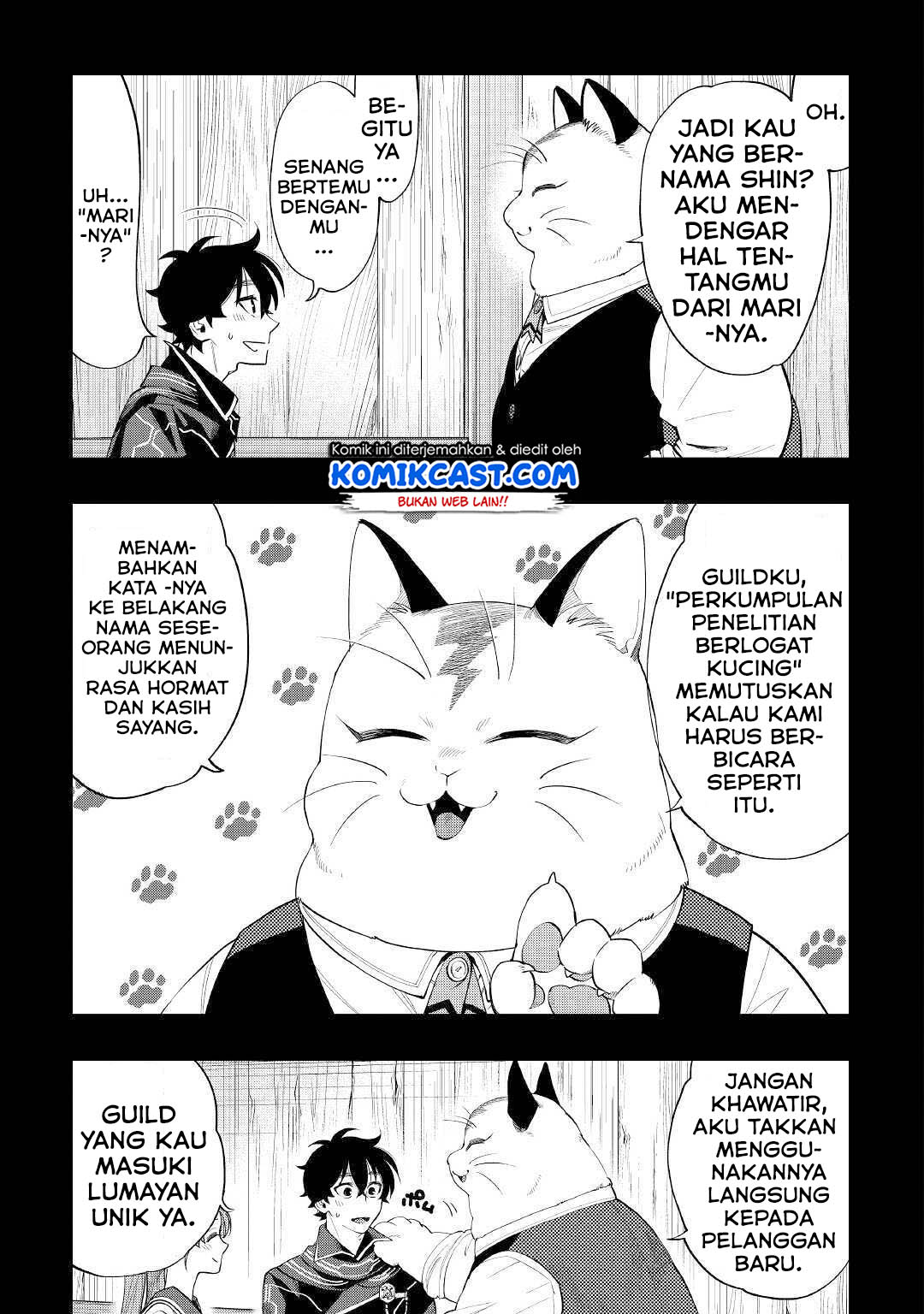
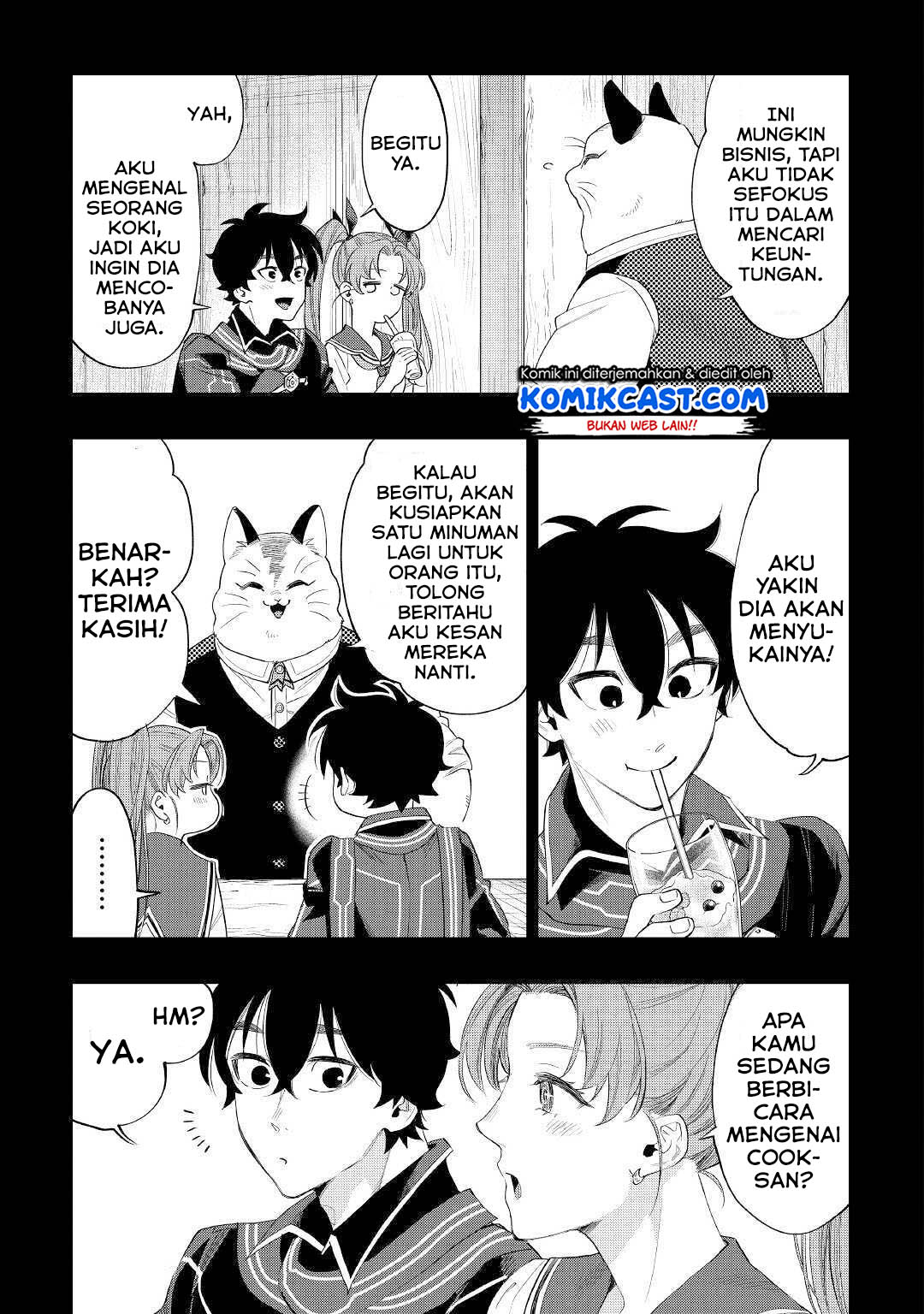
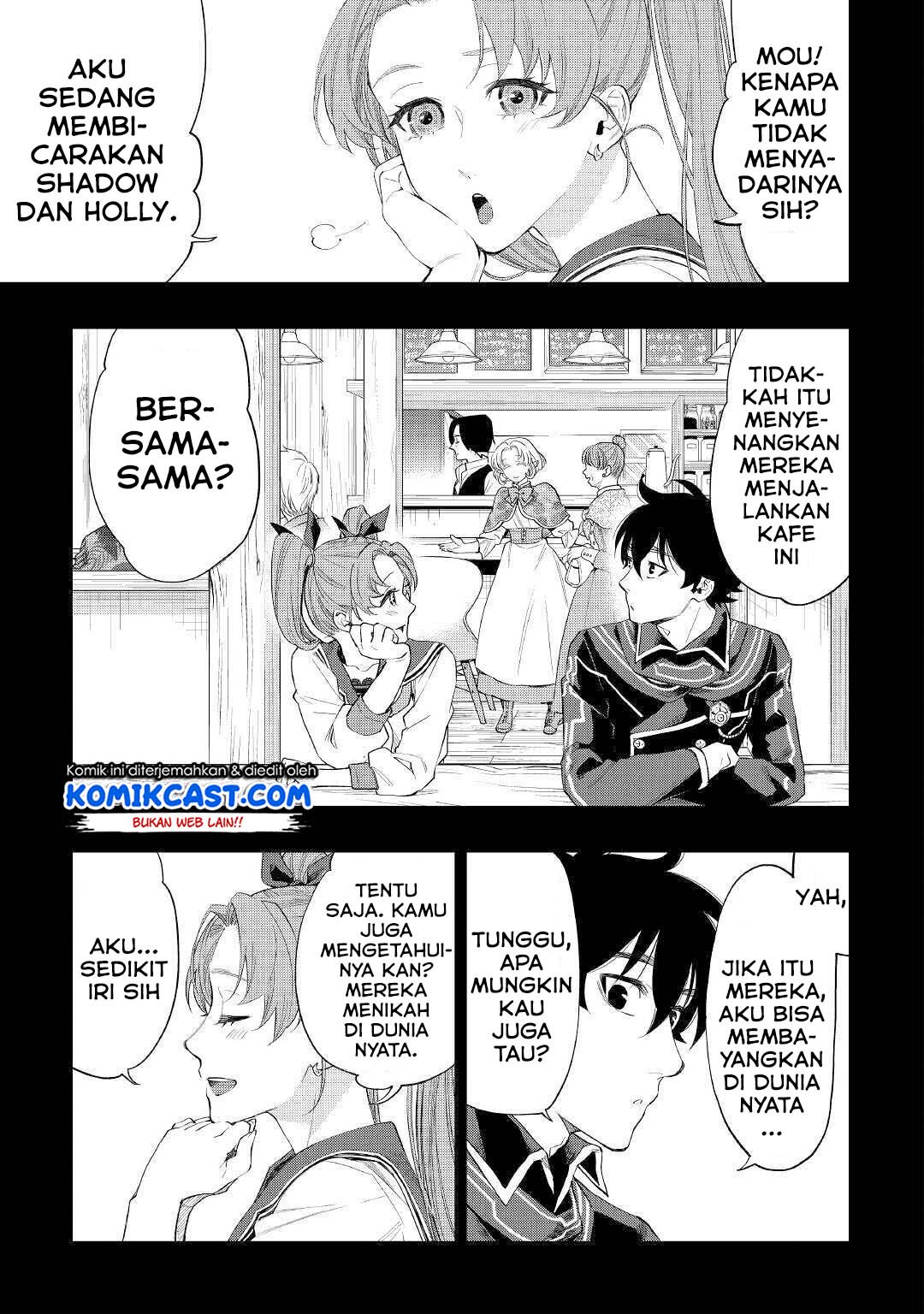
The New Gate Chapter 61 halaman 6
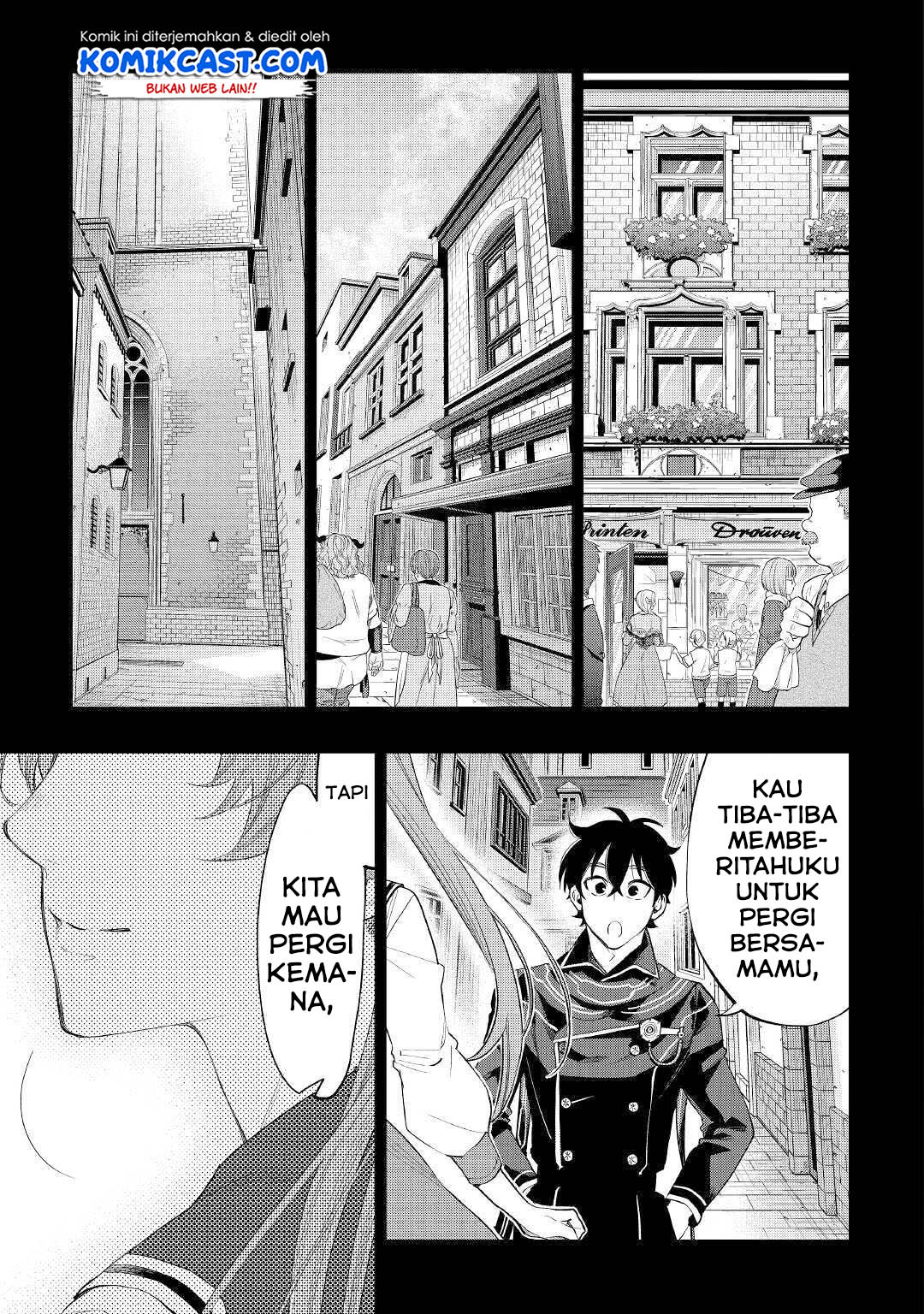
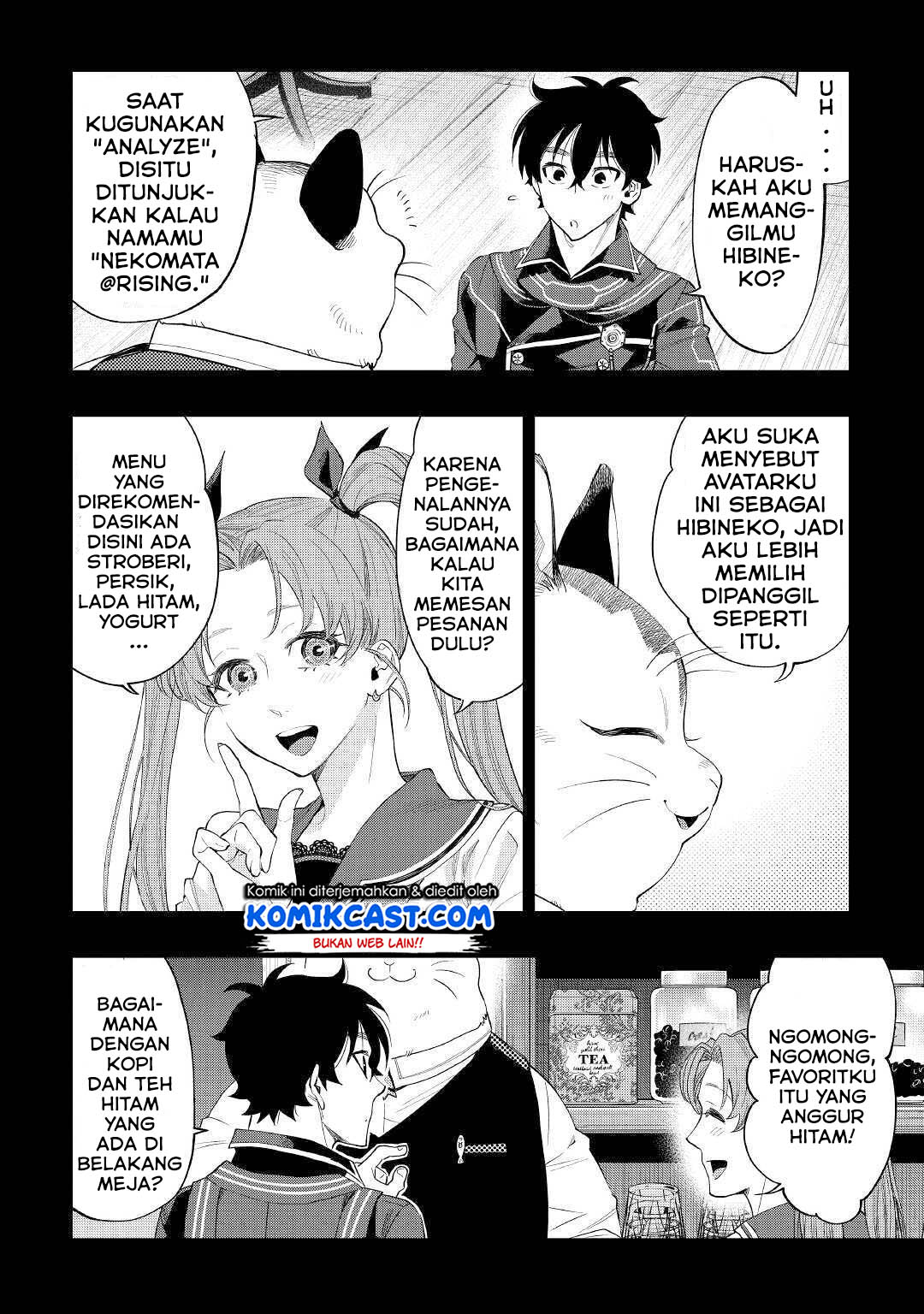
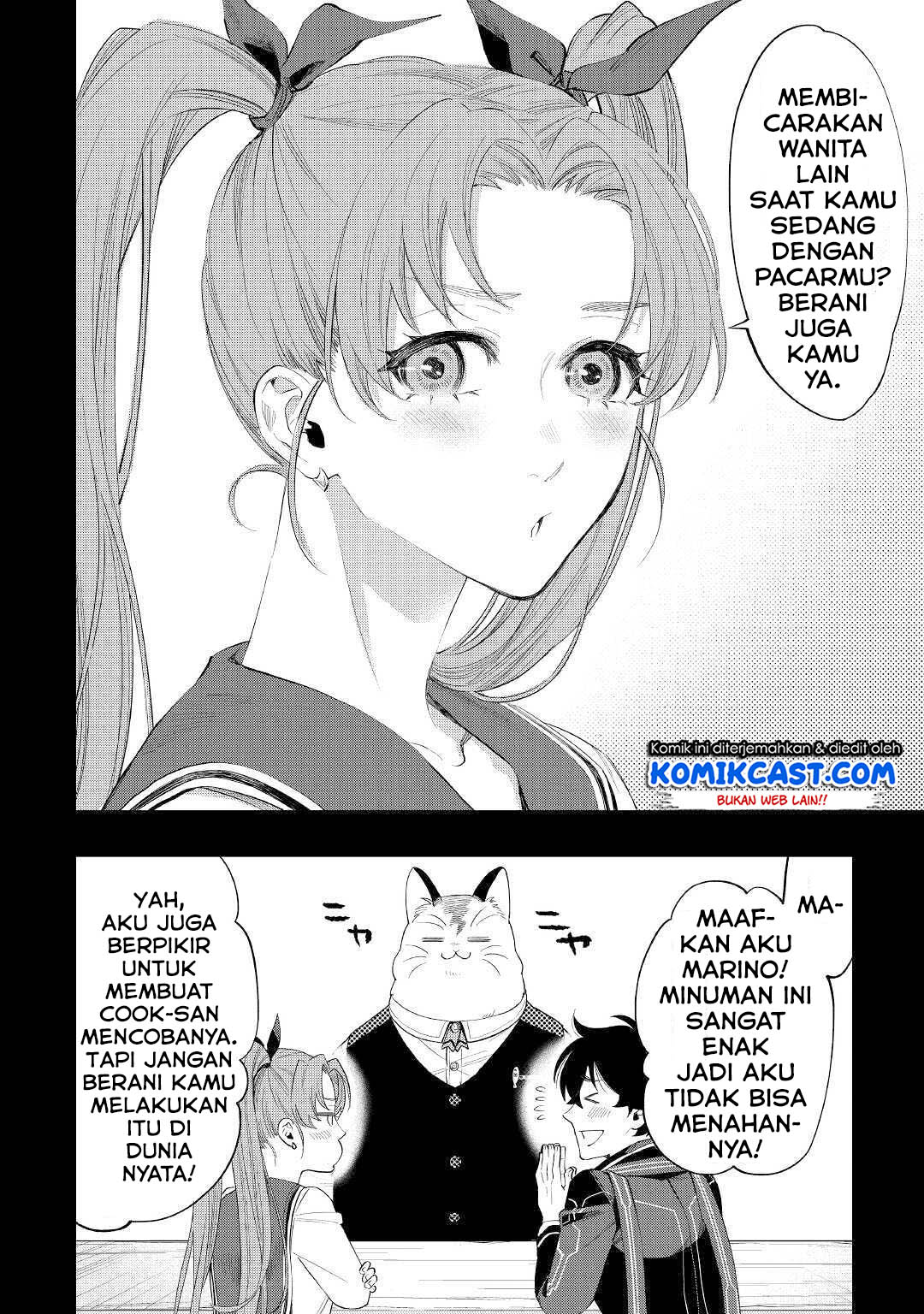
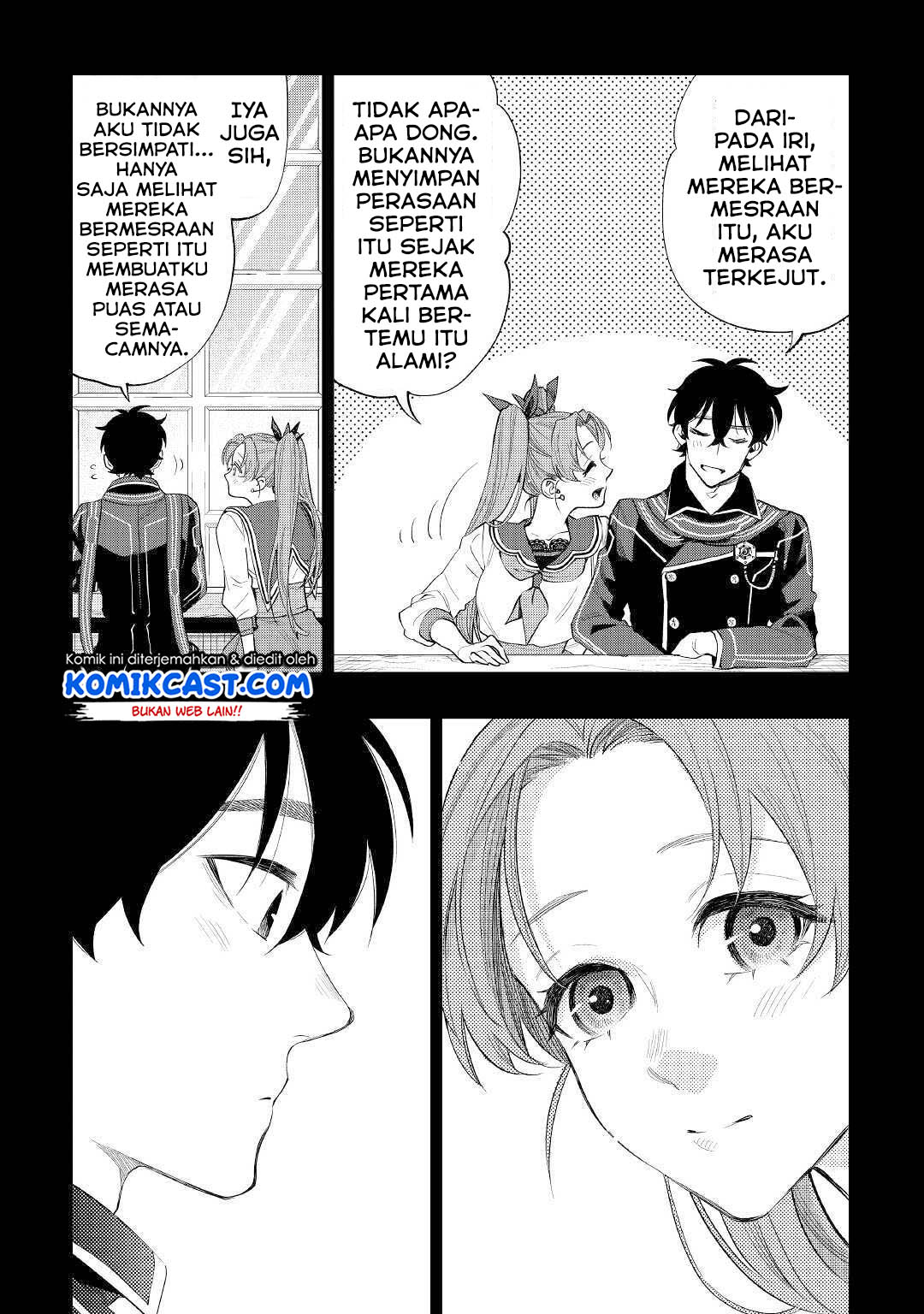
The New Gate Chapter 61 halaman 7
The New Gate Chapter 61 halaman 8
The New Gate Chapter 61 halaman 9
The New Gate Chapter 61 halaman 10
The New Gate Chapter 61 halaman 11
The New Gate Chapter 61 halaman 12
The New Gate Chapter 61 halaman 13
The New Gate Chapter 61 halaman 14
The New Gate Chapter 61 halaman 15
The New Gate Chapter 61 halaman 16
The New Gate Chapter 61 halaman 17
The New Gate Chapter 61 halaman 18
The New Gate Chapter 61 halaman 19
The New Gate Chapter 61 halaman 20
The New Gate Chapter 61 halaman 21
The New Gate Chapter 61 halaman 22
The New Gate Chapter 61 halaman 23
The New Gate Chapter 61 halaman 24
The New Gate Chapter 61 halaman 25
The New Gate Chapter 61 halaman 26
The New Gate Chapter 61 halaman 27
The New Gate Chapter 61 halaman 28
The New Gate Chapter 61 halaman 29
The New Gate Chapter 61 halaman 30
The New Gate Chapter 61 halaman 31
The New Gate Chapter 61 halaman 32

Tap area tengah untuk menampilkan atau menyembunyikan header dan kontrol pembaca. Saat auto scroll aktif, tap akan menjeda dan menampilkan semua kontrol.

Diskusi (0)

Masuk untuk ikut berdiskusi.

Belum ada komentar

Jadilah orang pertama yang memulai diskusi.

Pengaturan cara baca

Pilihan disimpan otomatis di perangkat ini.

Mode baca

Tap area tengah untuk tampil/sembunyikan header, kontrol kanan, dan navigasi chapter bawah. Saat semuanya tersembunyi, tap di area mana pun akan menampilkannya kembali.

60 px/detik

Geser untuk mengatur kecepatan secara presisi. Auto scroll hanya tersedia dalam mode Webtoon.

Shortcut pembaca

Shortcut tidak aktif saat fokus berada di form atau dialog.

Tap tengah
Tampilkan atau sembunyikan seluruh antarmuka pembaca
Pindah halaman pada mode LTR/RTL
Page Up Page Down
Gulir atau pindah halaman
Home End
Ke awal atau akhir bacaan
Alt + A
Mulai atau jeda auto scroll
Alt + L
Buka daftar chapter
Alt + P/N
Chapter sebelumnya/berikutnya
Alt + R
Buka laporan masalah
Alt + ,
Buka pengaturan cara baca
Alt + /
Tampilkan shortcut ini

Laporkan masalah

Bantu kami memperbaiki bacaan ini.

Masuk terlebih dahulu agar laporan dapat ditindaklanjuti dan riwayatnya tercatat.

Masuk untuk melapor